Flipkart Big Billion Days (BBD) is the largest online shopping event in India, generating over ₹50,000 crore in GMV annually. For sellers, BBD represents the single biggest revenue opportunity of the year — many Flipkart sellers report earning 40-60% of their annual income during this one sale event.
But participating in BBD isn't as simple as listing products and waiting. Flipkart carefully curates which sellers and products are featured during BBD. You need to meet specific eligibility criteria, nominate your best products, set competitive prices, and prepare your operations to handle a 10x-20x surge in orders.
This complete guide walks you through every step — from checking your eligibility to dispatching your last BBD order.
What is Flipkart Big Billion Days?
Big Billion Days (BBD) is Flipkart's annual mega sale event, typically held in late September or early October, timed with the Navratri-Dussehra-Diwali festive season. First launched in 2014, BBD has grown to become the most anticipated online shopping event in India.
During BBD:
- Flipkart offers deep discounts across all categories — mobiles, electronics, fashion, home, appliances
- Flipkart Plus members get early access (usually 24 hours before the public sale)
- Sellers who participate get massively boosted visibility in search results and homepage banners
- Order volumes can increase 10x to 50x compared to normal days
- The sale runs for 5-8 days, sometimes extended based on demand
BBD Seller Eligibility — Are You Qualified?
Flipkart doesn't allow all sellers to participate in BBD. You must meet these minimum criteria:
| Criteria | Minimum Requirement | Ideal Score |
|---|---|---|
| Seller Rating | 3.5 stars or above | 4.0+ stars |
| Cancellation Rate | Below 2% | Below 1% |
| Late Dispatch Rate | Below 5% | Below 2% |
| Return/RTO Rate | Below 25% | Below 15% |
| Account Age | At least 3 months active | 6+ months with consistent sales |
| Product Pricing | Competitive with market rates | 10-30% below market price during BBD |
Step 1: Register for Big Billion Days
Flipkart opens BBD registration approximately 3-4 weeks before the sale. Here's exactly how to register:
- Log in to Flipkart Seller Hub at seller.flipkart.com
- Go to Dashboard → Growth section
- Look for the "Big Billion Days" banner or campaign card (it appears 3-4 weeks before the sale)
- Click "Participate Now" or "Register for BBD"
- Review and accept the BBD Terms & Conditions
- Your account eligibility is automatically checked — if you qualify, you can proceed to product nomination
Step 2: Nominate Your Products
After registering, you need to nominate which products will participate in BBD. Not all your products need to be in the sale — strategically choose your best performers.
Which Products to Nominate
- ✅ Top sellers — products that already have good sales velocity and positive reviews
- ✅ High-margin products — you need room for the BBD discount without losing money
- ✅ Products with 4+ star ratings — Flipkart prioritizes highly-rated products in BBD search results
- ✅ Festive/seasonal items — ethnic wear, home decor, gifting items sell especially well during BBD (Diwali season)
- ❌ Avoid low-stock products — if you run out during the sale, it hurts your seller score
- ❌ Avoid products with high return rates — returns spike during sales, making these unprofitable
Product Nomination Process
- In Seller Hub, go to Growth → BBD → Nominate Products
- You'll see a list of your eligible products with suggested BBD prices
- For each product, set your BBD Sale Price (must be lower than your current selling price)
- Set the BBD Stock Quantity — how many units you can guarantee to fulfill during the sale
- Click "Submit for Approval"
- Flipkart reviews nominations and confirms within 3-5 business days
Step 3: Set Your BBD Pricing Strategy
Pricing during BBD is critical. Price too high and Flipkart won't approve your nomination. Price too low and you'll lose money after accounting for commission, returns, and packaging costs.
Understanding Flipkart's Fee Structure During BBD
| Category | Commission % | Fixed Fee | Shipping Fee |
|---|---|---|---|
| Clothing & Fashion | 10-17% | ₹11-33 | ₹30-70 (weight-based) |
| Electronics | 5-12% | ₹15-40 | ₹40-100 (weight-based) |
| Home & Kitchen | 12-20% | ₹15-30 | ₹35-80 (weight-based) |
| Footwear | 14-20% | ₹20-35 | ₹35-60 (weight-based) |
BBD Pricing Formula
Use this formula to calculate your minimum profitable BBD price:
Minimum BBD Price = (Product Cost + Packaging) ÷ (1 - Commission% - Return Rate%) × (1 + Min Profit%)
Example: Kurti costing ₹180, packaging ₹5, 15% commission, 25% return rate, 10% minimum profit:
(180 + 5) ÷ (1 - 0.15 - 0.25) × 1.10 = ₹339
Step 4: Prepare Your Inventory
The biggest mistake BBD sellers make is running out of stock mid-sale. Here's how to prepare:
Inventory Calculation
For each nominated product:
BBD Stock Needed = Normal Daily Sales × 10 × Number of Sale Days
Example: If you sell 10 units/day normally, and BBD is 7 days:
10 × 10 × 7 = 700 units minimum
4-Week Inventory Countdown
- Week 4: Place bulk orders with your supplier. Pay advance if needed to lock pricing.
- Week 3: Receive and quality-check all inventory. Count every unit.
- Week 2: Pre-pack products in polybags. Organize by SKU on shelves.
- Week 1: Final stock count. Buy extra packaging materials (courier bags, thermal labels, tape). Test your thermal printer.
Step 5: Prepare Your Dispatch Operations
During BBD, you might go from 20 orders/day to 200-500 orders/day. Your dispatch speed directly impacts your seller score and future BBD eligibility. Here's how to handle the surge:
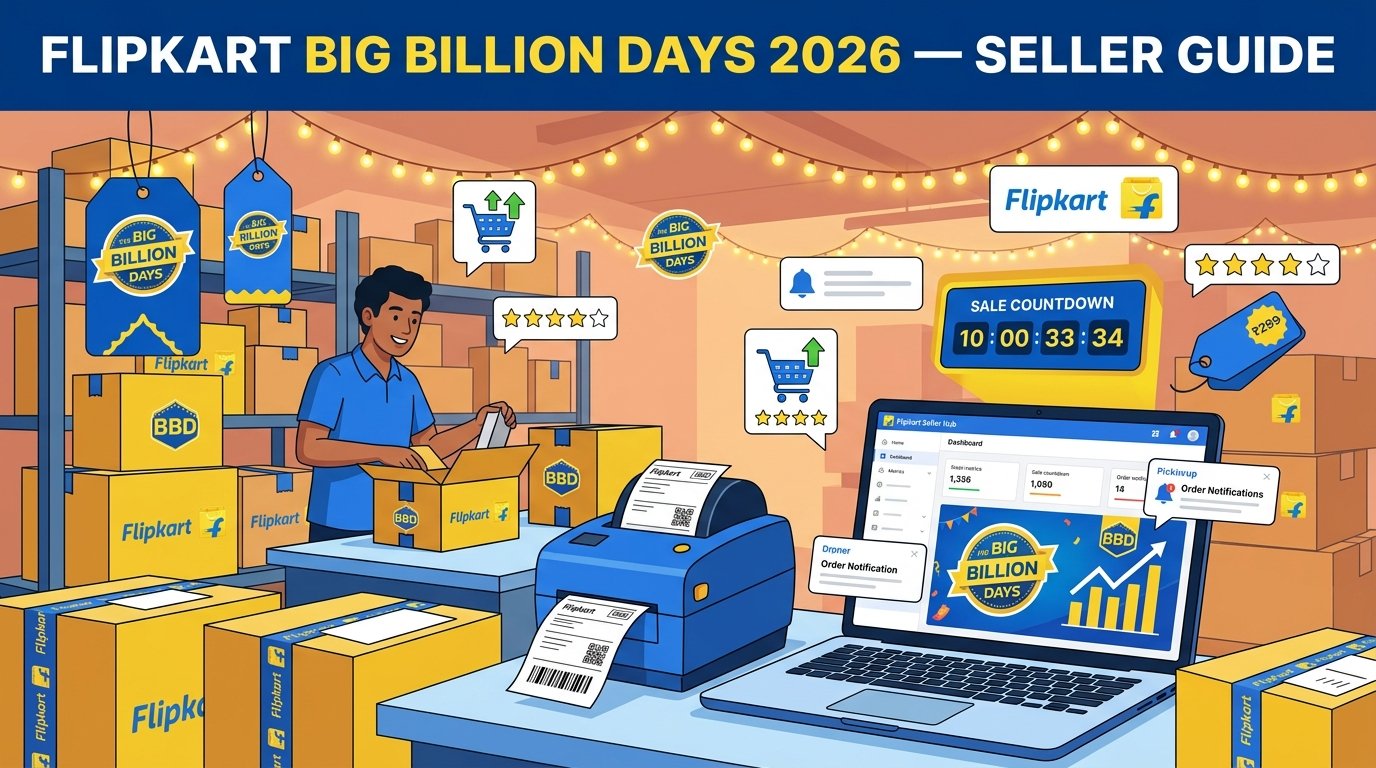
Set Up Your BBD Packing Station
- 📦 Dedicated packing table with all materials within arm's reach
- 🖨️ Thermal printer loaded with fresh label roll (keep 5+ spare rolls)
- 📋 Printed SKU summary sheet (from EasyOrderLabel) for picking reference
- 📦 Pre-stacked courier bags sorted by size
- 🏷️ Tape gun loaded and ready
- 👥 1-2 temporary helpers briefed on the workflow
BBD Daily Dispatch Workflow
- 6:00 AM: Download all overnight orders from Flipkart Seller Hub as batch PDF
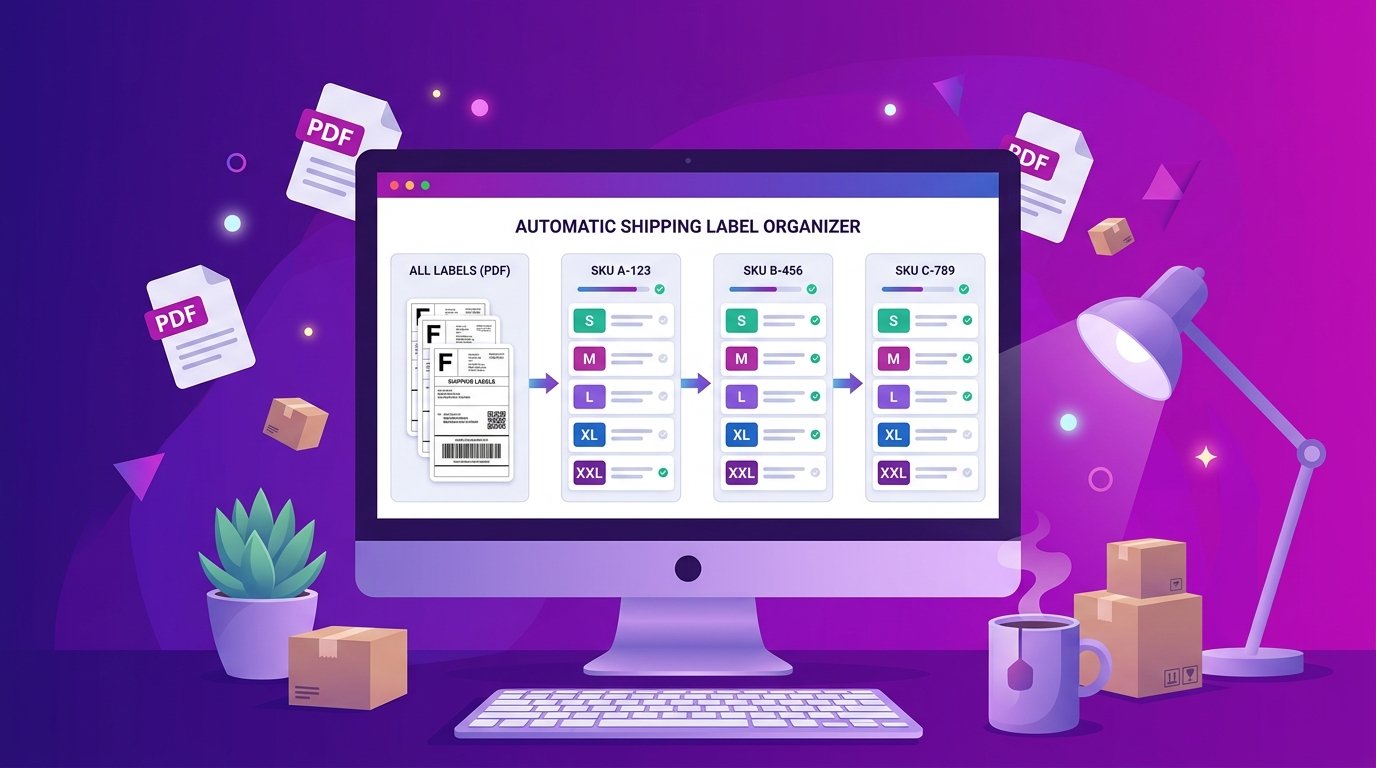
- 6:15 AM: Upload PDF to EasyOrderLabel's Flipkart tool — labels are instantly sorted by SKU and tax invoices are auto-cropped
- 6:20 AM: Print the SKU summary — hand it to your picker
- 6:25 AM: Print sorted labels on thermal printer (4×6 inch)
- 6:30 – 10:00 AM: Batch packing — one SKU at a time, match labels, pack, seal
- 10:00 AM: Schedule EKart/courier pickup
- 12:00 PM: Repeat for morning orders
- 4:00 PM: Final batch for afternoon orders
- Evening: Restock shelves, reorder materials if needed
Step 6: During the Sale — Day-by-Day Strategy
Day 1-2: The Rush
- Expect the highest order volume on Day 1 and 2
- Download and process labels every 2 hours
- Focus on speed — dispatch as fast as possible
- Monitor inventory levels after every batch
Day 3-5: Steady Flow
- Orders stabilize to 5-10x normal volume
- Watch for low stock products — deactivate listings before they go to zero
- Check for any customer messages and respond within 24 hours
Day 6-8: The Tail End
- Orders start declining but are still above normal
- Focus on clearing all pending dispatches — no order should be delayed
- Start planning for post-BBD returns (they'll arrive in 1-2 weeks)
Common BBD Mistakes That Cost Sellers Lakhs
- Pricing below cost — after commission (15%) + discount (20%) + returns (25%), many sellers realize they're losing ₹20-50 per order. Always calculate your true per-unit cost before setting BBD prices.
- Stockouts on Day 2 — if your bestseller runs out on Day 2, you lose 5 days of peak revenue. Stock 5-10x your normal inventory.
- Late dispatches — Flipkart penalizes late dispatches heavily during BBD. Your seller score can drop from 4.5 to 3.0 in one week. Use EasyOrderLabel to sort labels and dispatch faster.
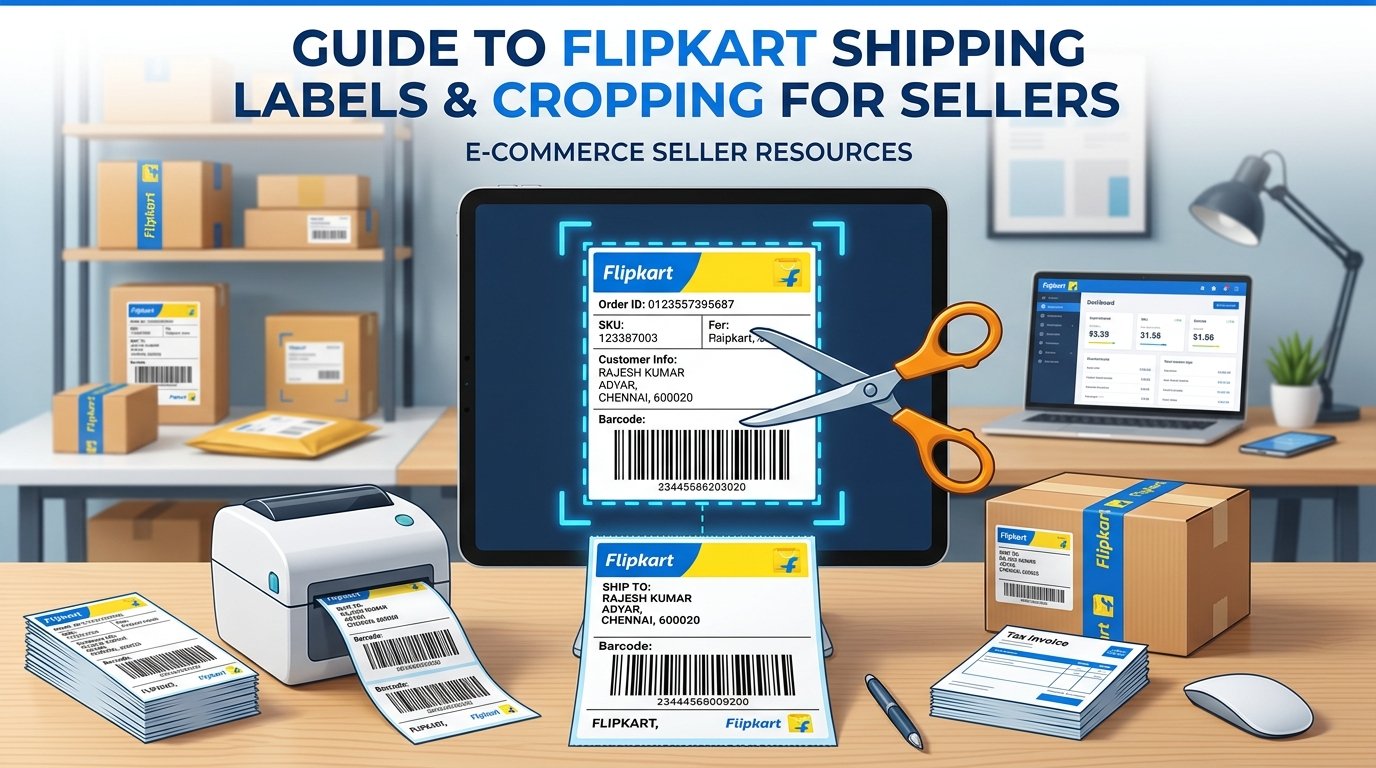
- Not cropping Flipkart labels — Flipkart PDFs include the tax invoice on the bottom half. Printing the full page on a thermal printer wastes rolls. Auto-crop with EasyOrderLabel to save 50% on label paper.
- Forgetting to restore prices after BBD — some sellers keep running at BBD prices for weeks after the sale ends. Set a calendar reminder to update prices on Day 1 after BBD ends.
- Not preparing for returns — BBD returns peak 7-14 days after the sale. Returns in fashion categories can hit 30-40%. Keep cash reserves to absorb the reverse logistics cost.
After BBD: Post-Sale Checklist
- ✅ Restore regular prices on all products within 24 hours of sale end
- ✅ Process returns quickly — inspect returned items, relist good-condition ones
- ✅ Analyze your BBD data:
- Total orders vs total returns → actual net orders
- Revenue vs total costs (product + commission + packaging + returns) → actual profit
- Which products were most profitable? Which lost money?
- Compare your BBD performance vs last year (if applicable)
- ✅ Thank your team — if you had helpers, pay them promptly
- ✅ Prepare for the next wave — Diwali, Christmas, and New Year sales follow BBD