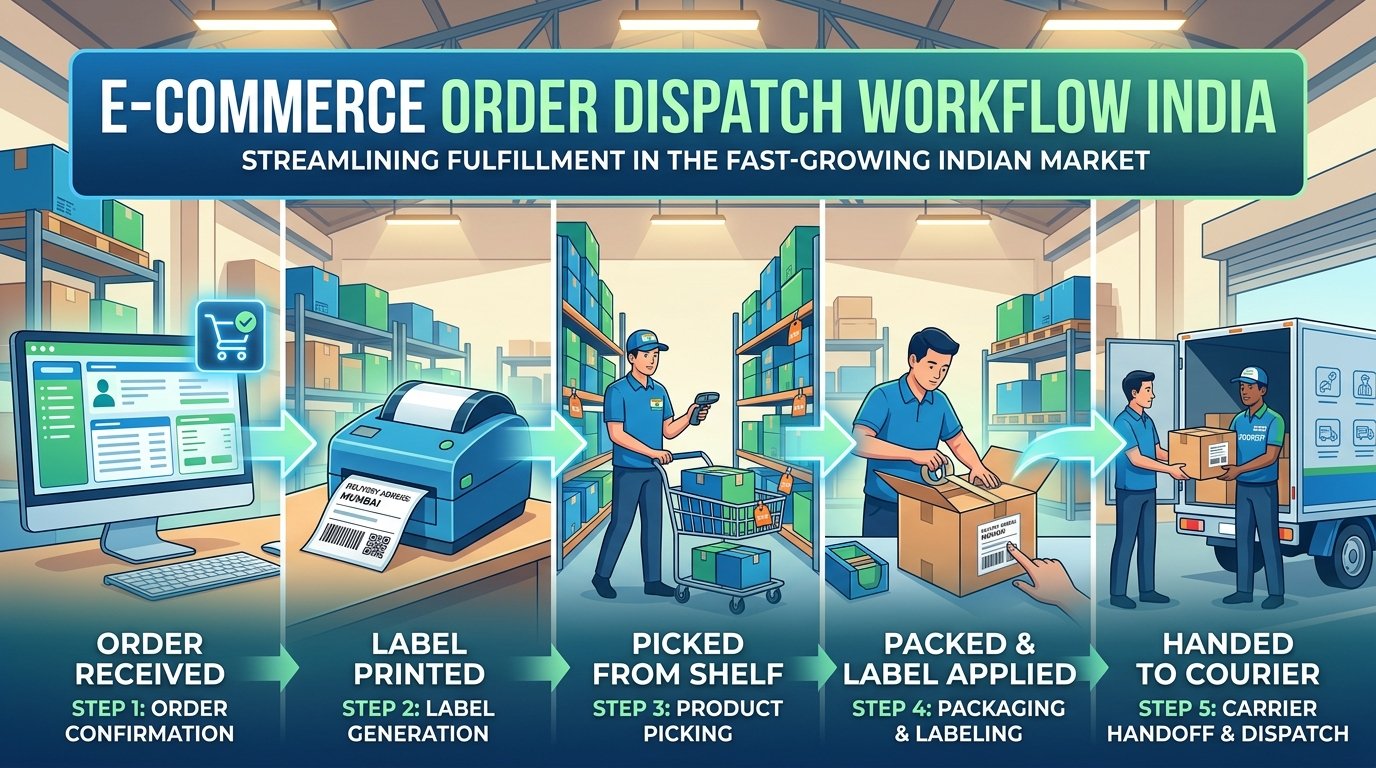
Efficient order dispatch is the backbone of a successful e-commerce business. Whether you are processing 20 orders or 2,000 orders per day, having a standardized dispatch workflow reduces errors, speeds up fulfillment, and improves your seller ratings on platforms like Meesho, Flipkart, and Amazon. This guide breaks down the complete daily dispatch workflow used by professional sellers across India.
Phase 1: Morning Preparation (8:00 AM – 9:00 AM)
Step 1: Download All Pending Orders
Log into each platform's seller dashboard and download all pending order labels as PDF files. Most platforms allow you to select multiple orders and download them as a single combined PDF. It is important to download labels from all platforms at the same time so you can process them in one batch.
- Meesho: Go to Orders → Ready to Ship → Select All → Download Labels
- Flipkart: Go to Orders → Pending → Select All → Print Labels
- Amazon: Go to Orders → Unshipped → Select All → Buy Shipping → Print Labels
Step 2: Sort and Crop Labels Using EasyOrderLabel
Upload each platform's PDF to EasyOrderLabel to get sorted, cropped labels. The tool will group all labels by SKU and sort sizes from Small to Extra Large. This step is critical because it transforms random labels into an organized picking sequence that your packing team can follow efficiently.
After processing, you will get:
- A sorted, cropped PDF ready for thermal printing
- An editable SKU summary table showing quantities needed for each product
- Downloadable Excel/CSV reports for inventory tracking
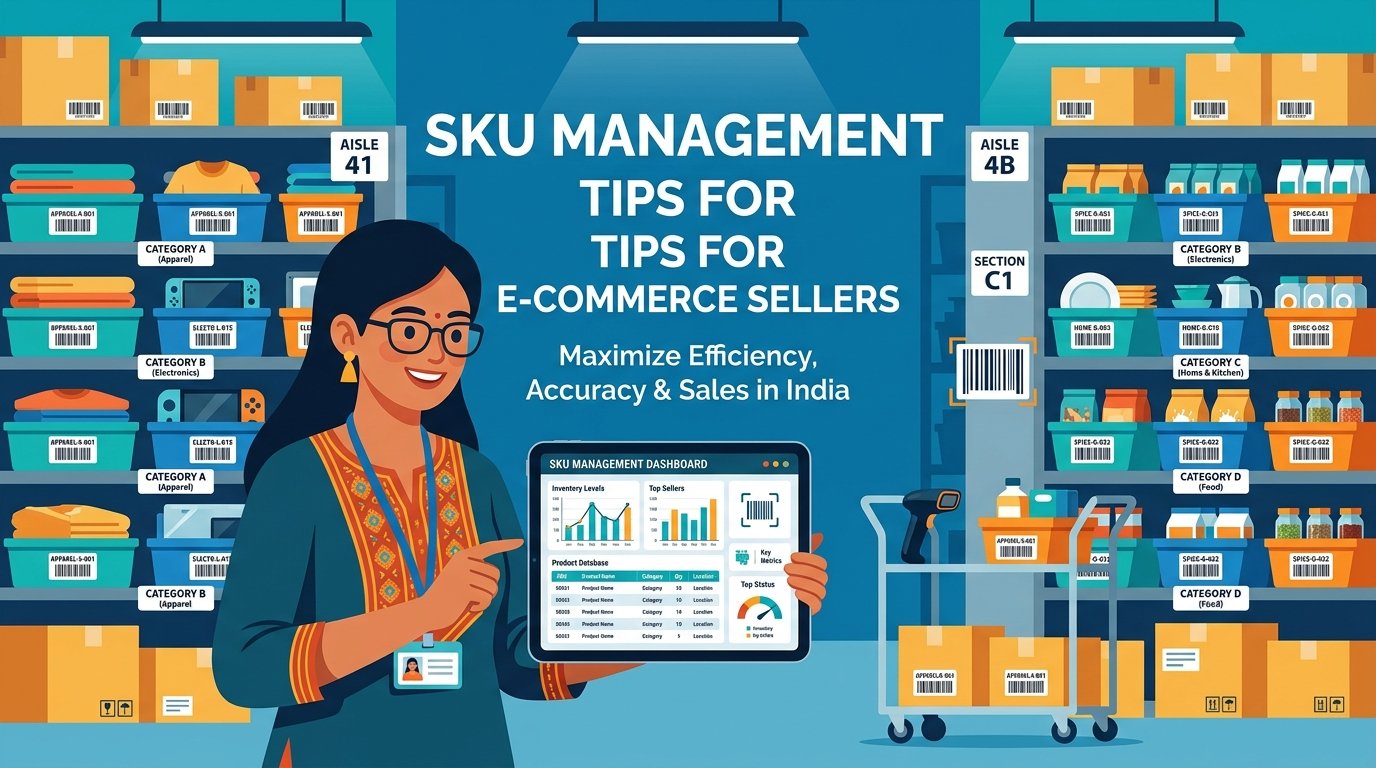
Step 3: Review the SKU Summary
Before printing labels, review the SKU summary report. This tells you exactly how many units of each product and size you need to prepare. If you are out of stock for any SKU, you can set its quantity to 0 in the editable table, and it will be removed from the exported reports. This prevents your packing team from searching for products that are not available.
Phase 2: Picking & Printing (9:00 AM – 10:00 AM)
Step 4: Print Sorted Labels
Feed the sorted, cropped PDF into your thermal printer. Use these print settings for best results:
- Paper size: 4×4 inch for Meesho, 4×6 inch for Flipkart/Amazon
- Scaling: "Fit to Paper" or "Fit to Printable Area"
- Print quality: Standard (higher quality is slower and uses more heat)
Step 5: Pick Products from Shelves
Using the SKU summary as your picking list, go to your storage area and pick all units of each SKU at once. For example, if the summary shows 12 units of "Blue Kurti" in sizes S(3), M(5), L(3), XL(1), pick all 12 kurtis in one trip. Place them on your packing table organized by size. This batch-picking method eliminates the back-and-forth that wastes time with random label orders.
Phase 3: Packing & Quality Check (10:00 AM – 1:00 PM)
Step 6: Match Labels to Products
Your sorted labels are now in the same sequence as your picked products. Take the first label, match it to the correct product (same SKU and size), and proceed with packing. The matching process is fast because both the labels and the products are in the same order.
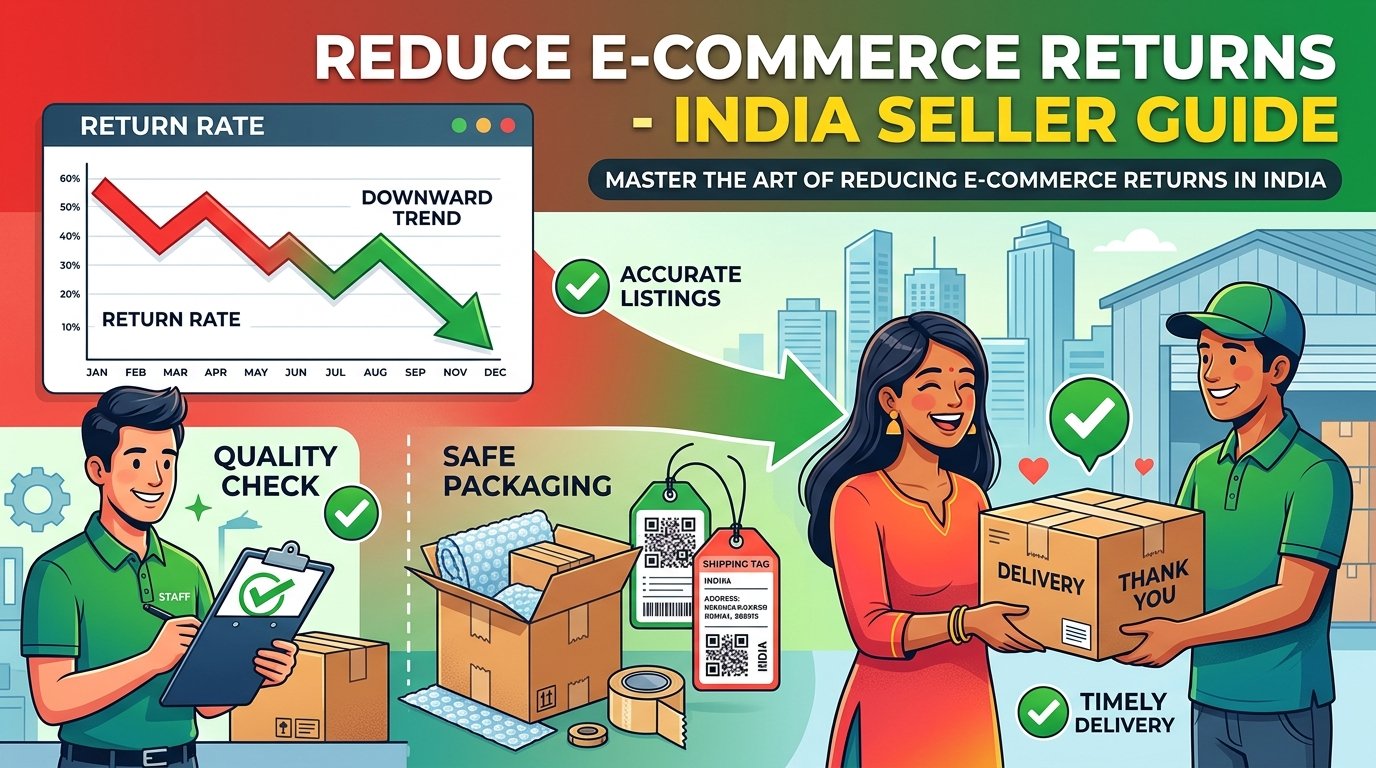
Step 7: Quality Check Before Packing
Before sealing each package, perform a quick 30-second quality check:
- Verify the SKU on the label matches the product
- Verify the size on the label matches the product tag
- Check for visible defects (stains, loose threads, damage)
- Ensure the product is properly folded and presentable
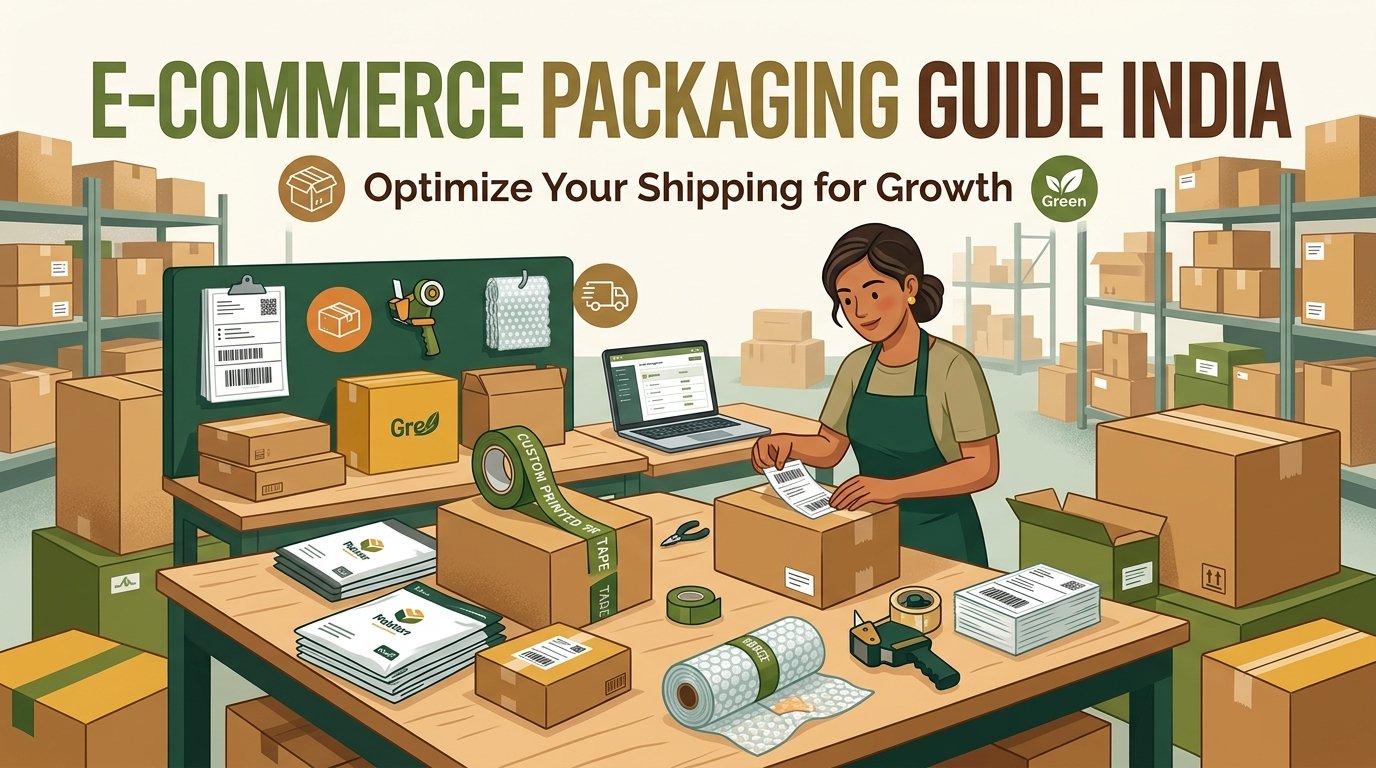
Step 8: Pack and Seal
Follow this packing sequence for clothing items:
- Place the product in a transparent polybag (for moisture protection)
- Insert a thank you card if applicable
- Place the polybag inside a courier bag (flyer bag) of appropriate size
- Paste the shipping label on the flat surface of the courier bag
- Seal the courier bag with transparent tape
- Stack the sealed package in the "ready for pickup" area
Phase 4: Handover & Documentation (1:00 PM – 2:00 PM)
Step 9: Organize Packages for Courier Pickup
Sort your sealed packages by courier partner (if using multiple) and stack them neatly. Most courier pickups happen between 2:00 PM and 5:00 PM. Having packages ready before the pickup window ensures you do not miss the daily cutoff and your orders ship on time.
Step 10: Update Order Status
After handing over packages to the courier, update the order status on each platform (usually "Mark as Shipped" or "Handover Completed"). This triggers the tracking update for customers and starts the delivery timeline. Timely status updates improve your seller rating and reduce customer inquiries about shipping status.
Pro Tips for Maximum Efficiency
- Set a daily dispatch deadline: Aim to have all orders packed and ready by 1:00 PM. This gives you a buffer before the courier arrives.
- Invest in a thermal printer: Even a budget ₹4,500 Xprinter pays for itself within 2 months through ink and paper savings.
- Use EasyOrderLabel daily: The 5 minutes spent processing your PDFs saves 2+ hours of manual sorting.
- Keep packaging materials pre-cut and ready: Pre-size your courier bags and have tape dispensers loaded before you start packing.
- Track your daily metrics: Record how many orders you process per hour. This helps you identify bottlenecks and plan staffing needs.